
Create the matter
Set up a case in the desktop command center so captured work has a clear destination.
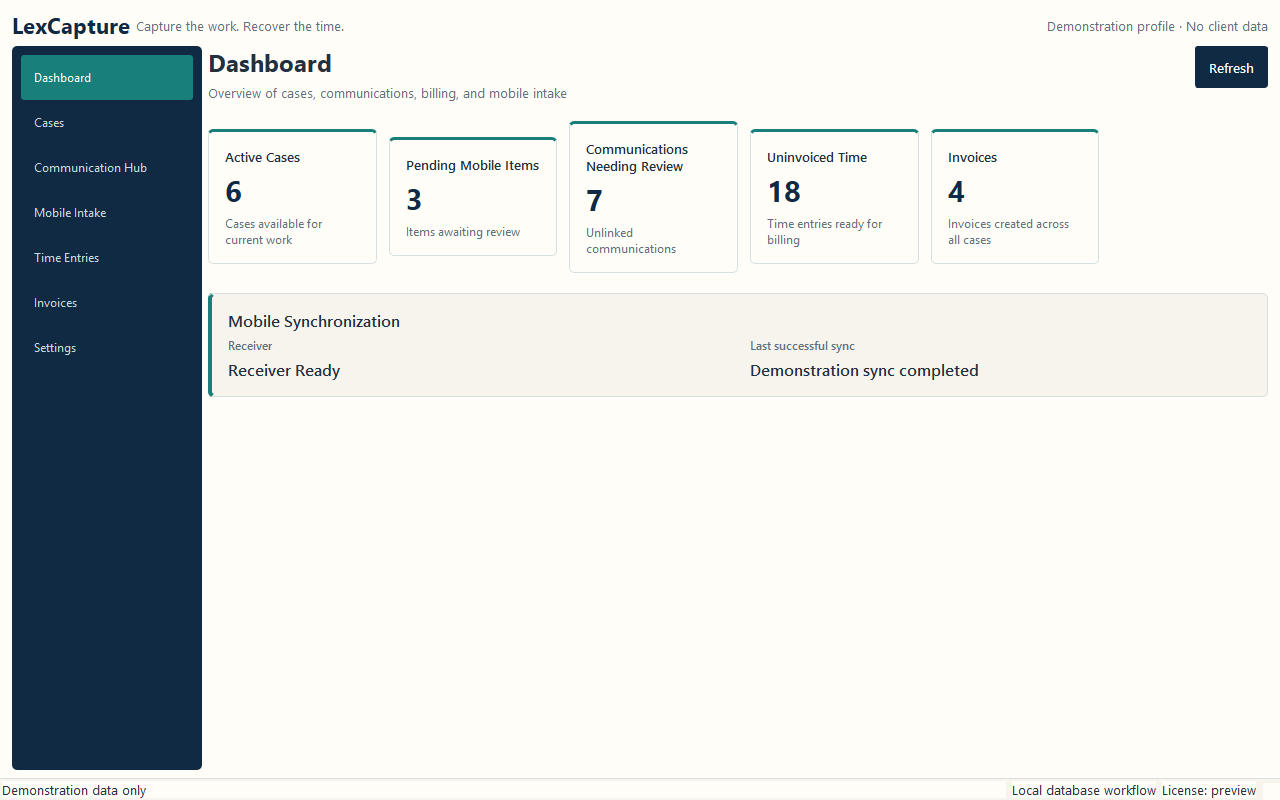
Workflow
Communications move through provider → service → repository → local SQLite → reviewed time entries → immutable invoices.
Set up a case in the desktop command center so captured work has a clear destination.
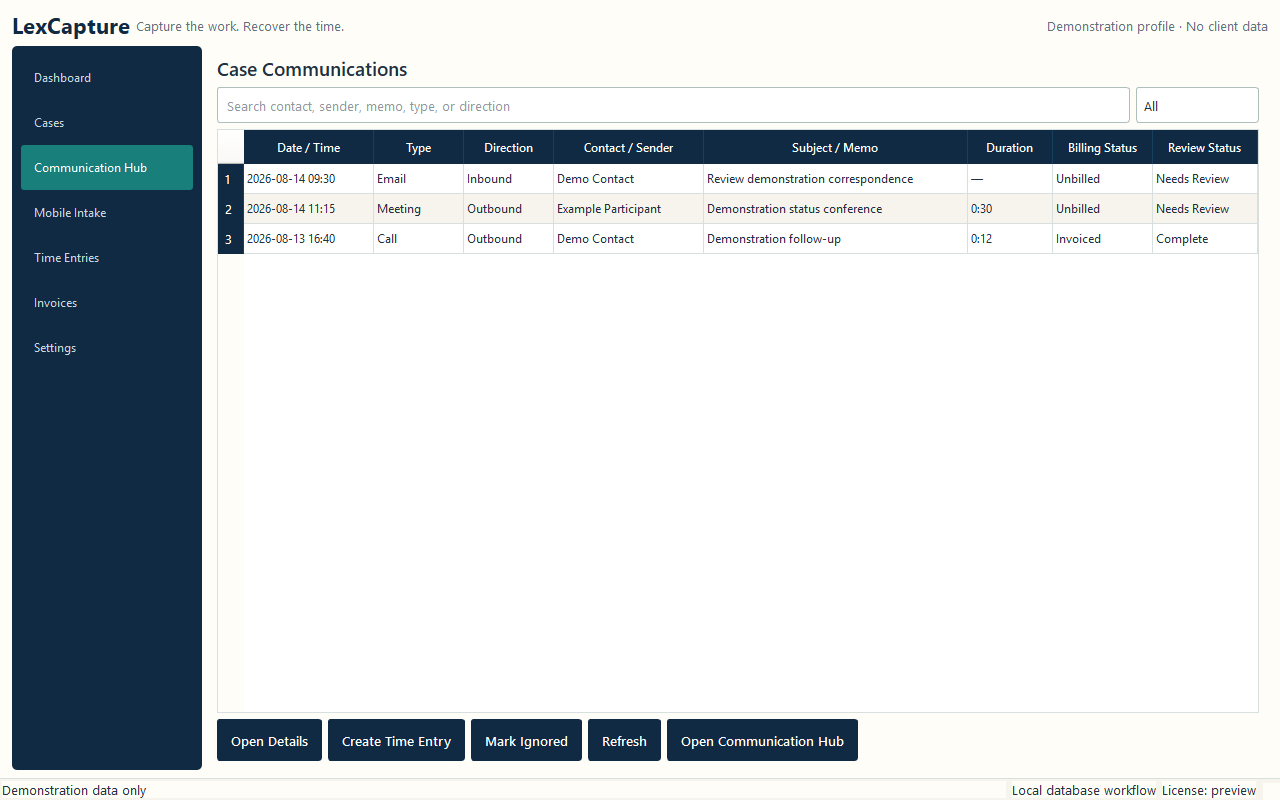
Use Outlook or the Android extension to bring supported communication metadata and notes into LexCapture.
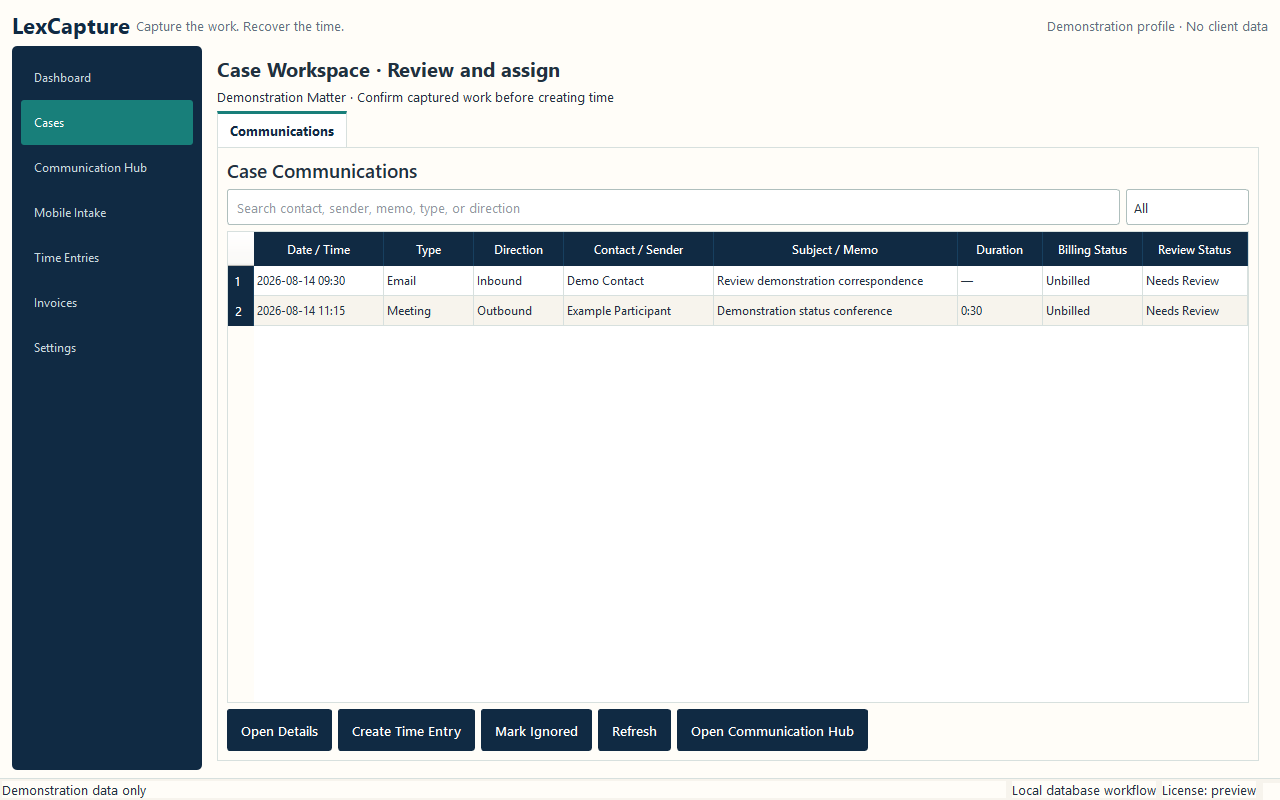
Confirm what belongs, connect it to the right case, and decide whether it should become time.
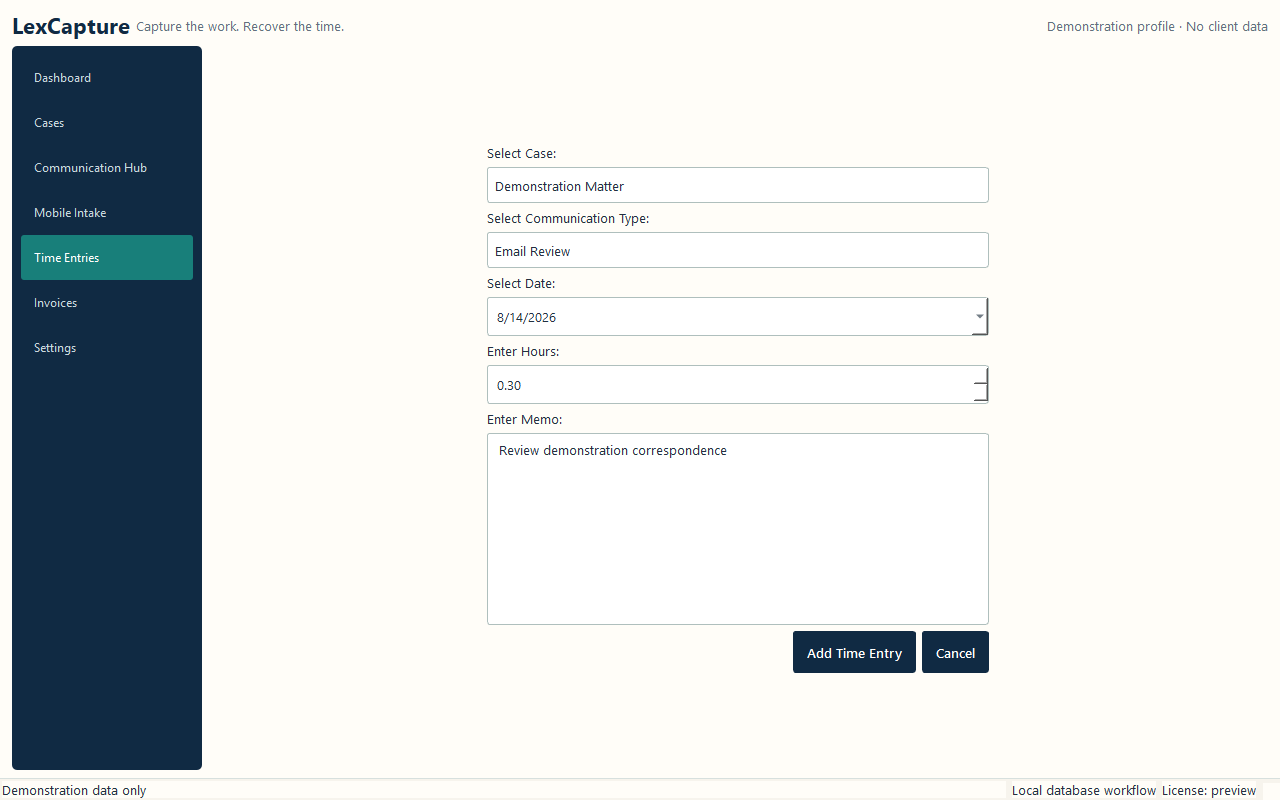
Enter the case, work type, date, duration, and narrative before the work reaches an invoice.
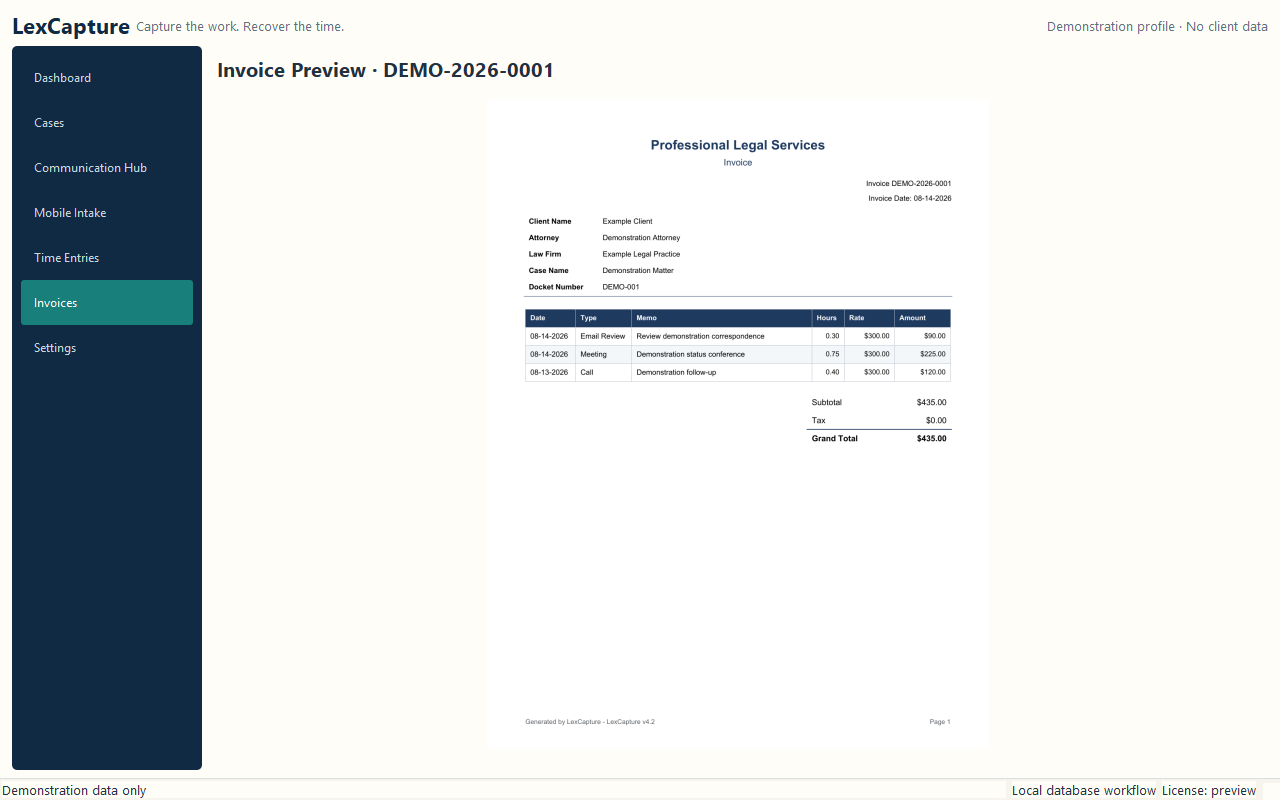
Generate a permanent invoice snapshot from reviewed matter activity, then preserve it with the local records.
Create a validated backup outside the application-data directory and keep it according to your firm's policy.
Mobile boundary
The Android companion is paired from the desktop and syncs only when the user initiates it. Mobile does not manage cases, subscriptions, invoices, or billing.
See the pairing steps →